
Portrait Mode Effect: Professional Looking Photos
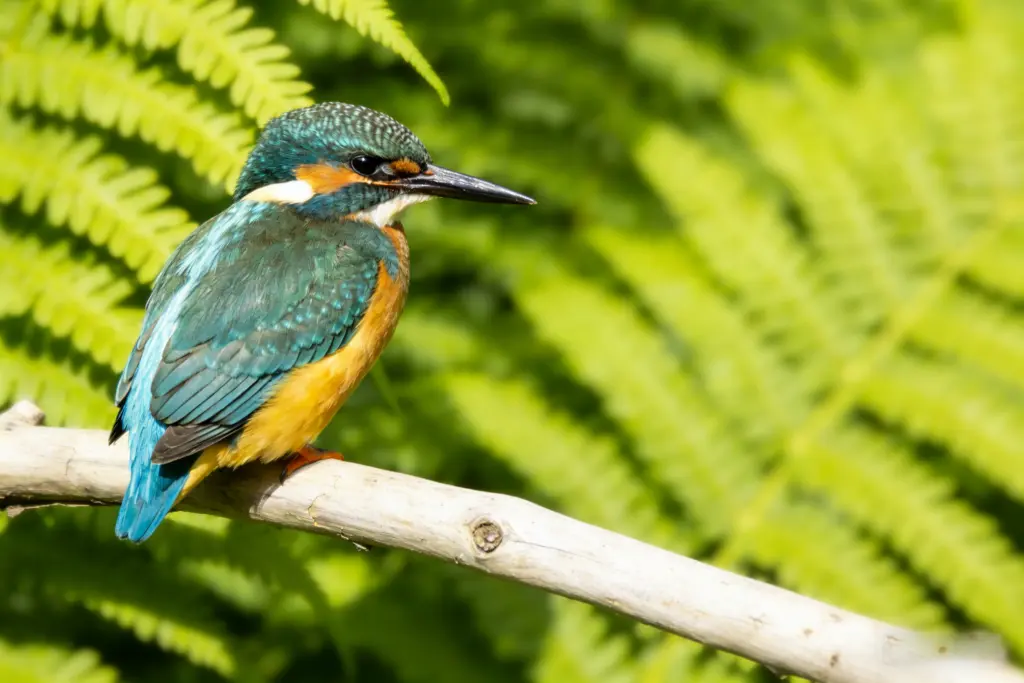
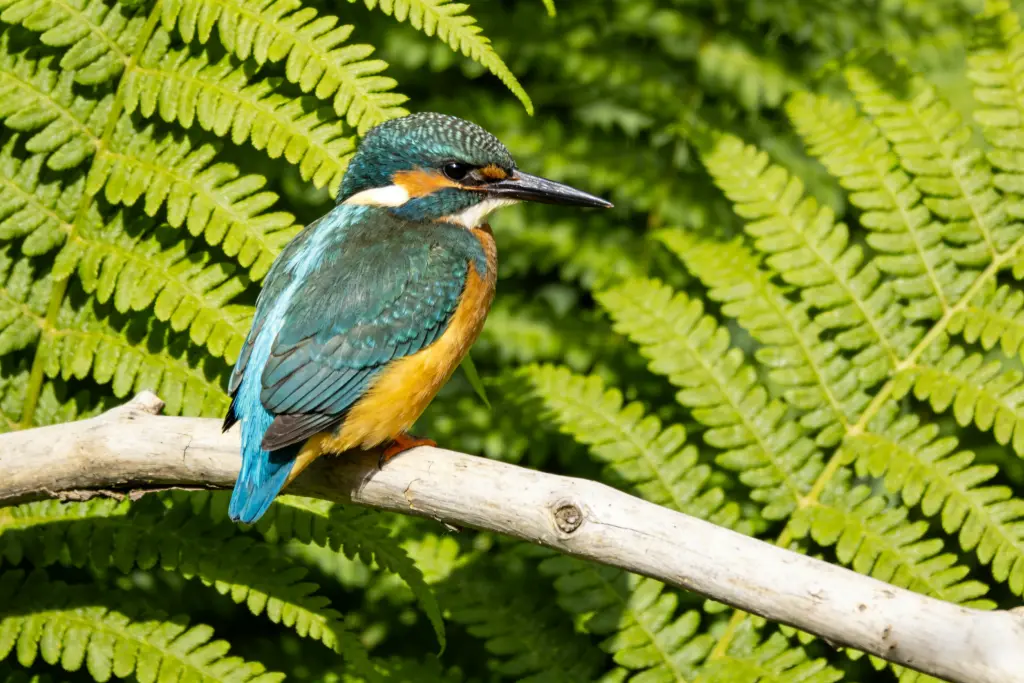
AI detects the subject and applies beautiful background blur while keeping the person sharp and clear
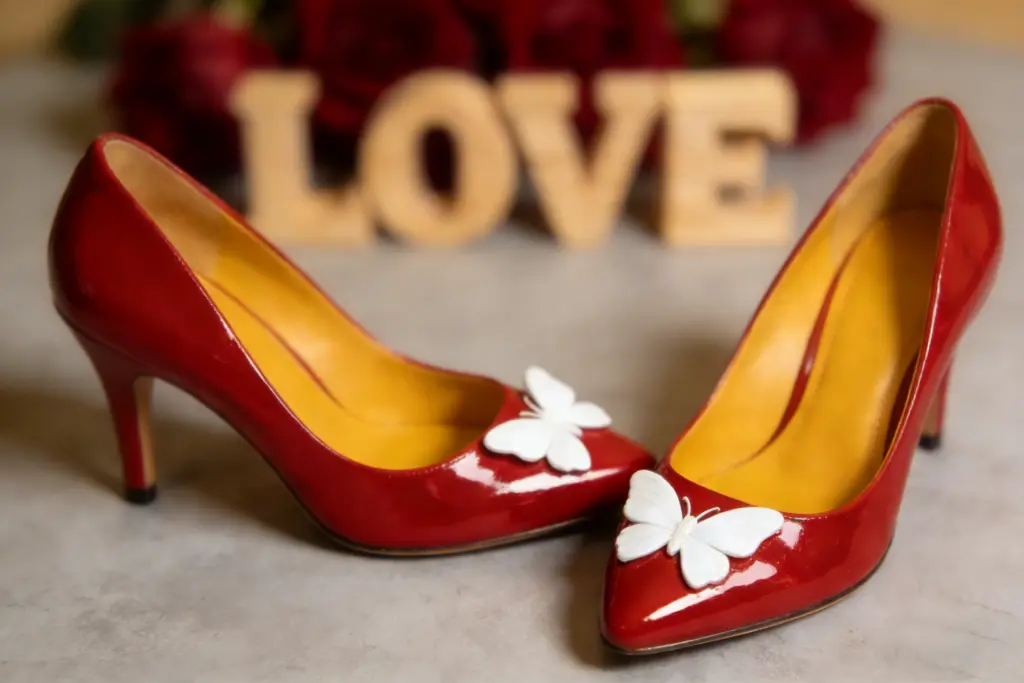
After
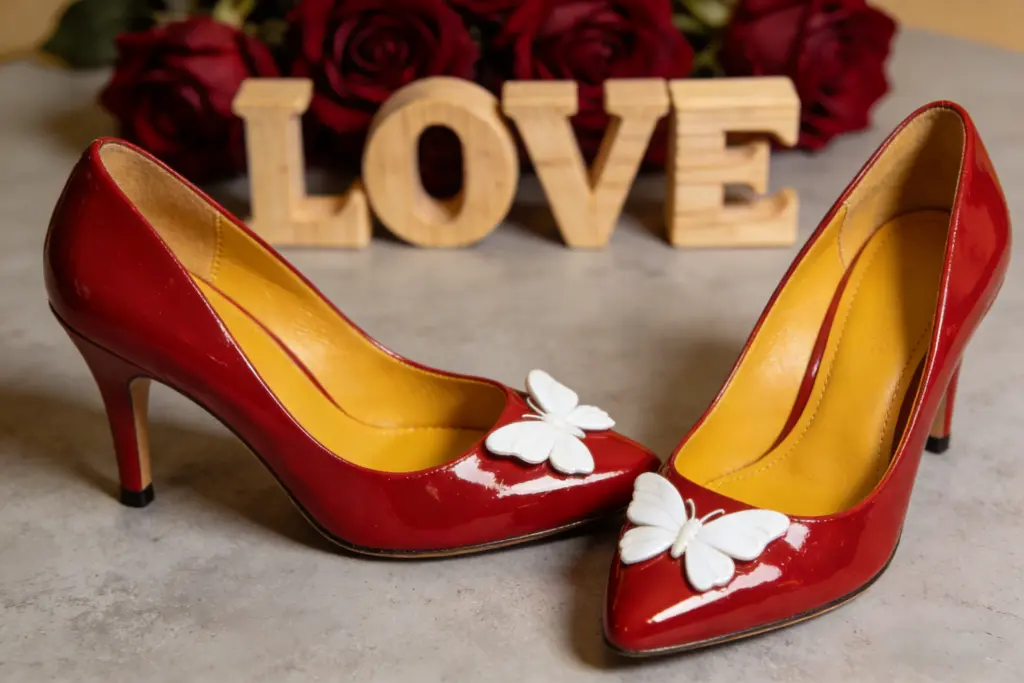
Before
Create professional portrait mode photos with beautiful background blur and bokeh effects
Click or drag image here
Supports JPEG, PNG, WebP (Max 10MB)
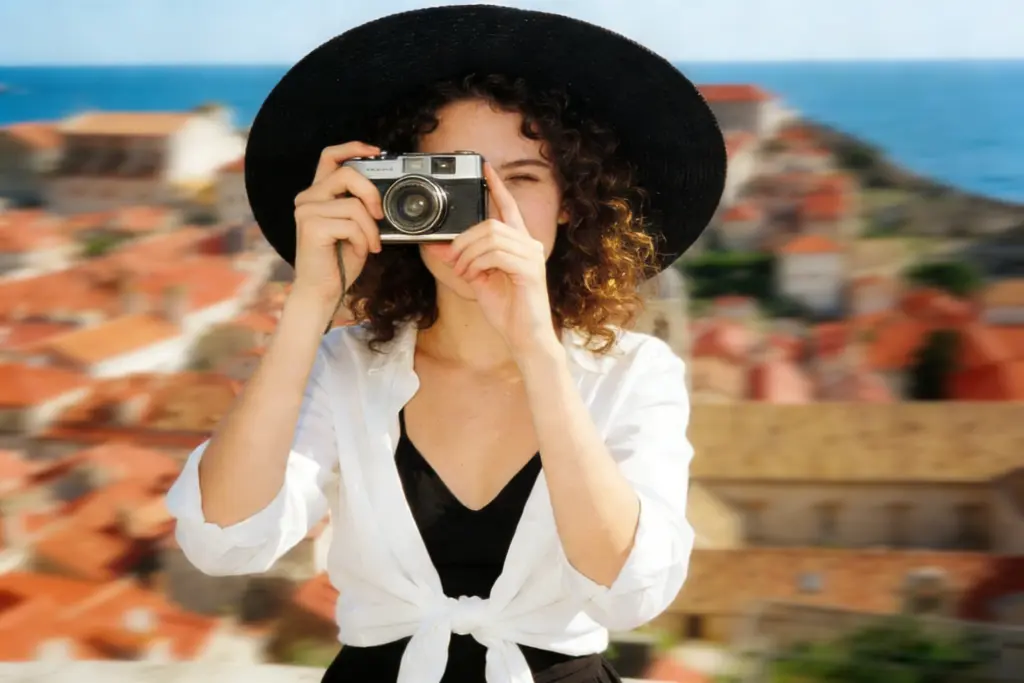
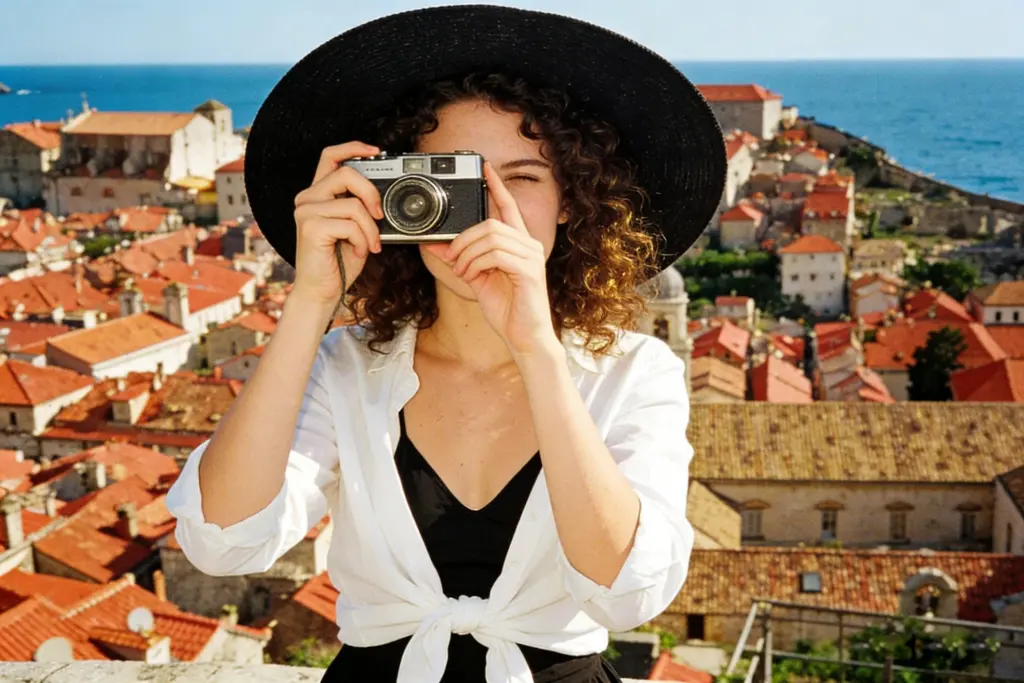
Free monthly credits, upgrade for more
Clean output without any branding
Get blurred backgrounds in seconds
Images deleted after processing
Use immediately without account
Our AI handles various photo types for beautiful background blur
People photos with clear subjects that benefit from professional-looking background separation.
Creates beautiful circular light blur and artistic background effects like professional cameras.
Transform casual photos into LinkedIn-worthy professional portraits with studio-quality blur.
Make products stand out by blurring distracting backgrounds while keeping items sharp.
See how different users benefit from our AI background blur tool
Pain Point: Need polished photos for work
Solution: Transform any photo into a professional headshot with beautiful background blur perfect for LinkedIn
Pain Point: Photos look amateur with busy backgrounds
Solution: Create stunning portrait mode photos that stand out in any social feed with cinematic blur
Pain Point: Don't have an expensive camera
Solution: Get DSLR-quality bokeh and depth of field effects from any smartphone or camera photo
Pain Point: Background distracts from products
Solution: Draw attention to your products by artistically blurring the background while keeping items sharp
No photography skills required - get professional blur instantly
Drag and drop or click to select your photo. We support JPG, PNG, and WebP formats with any background.
Our AI detects the subject and applies natural-looking background blur while keeping edges crisp.
Get your photo with beautiful background blur instantly. Free download with no watermark.
Join millions who trust our AI background blur tool
“This tool transformed my LinkedIn profile! The background blur looks completely natural, like it was shot with an expensive camera. Got so many compliments!”
Alex Thompson
Marketing Professional
“I create content for Instagram and this is my secret weapon. The bokeh effect is gorgeous and makes my photos look so professional. Highly recommend!”
Sophie Chen
Content Creator
“As a real estate agent, I use this for my headshots and property photos. The blur effect is perfect - professional quality every time.”
Marcus Johnson
Real Estate Agent
Enhance your photos further with our other free AI tools