
Portrait Enhancement: Enlarge Photos While Keeping Details
AI upscales portrait photos while preserving facial features, skin texture, and natural appearance
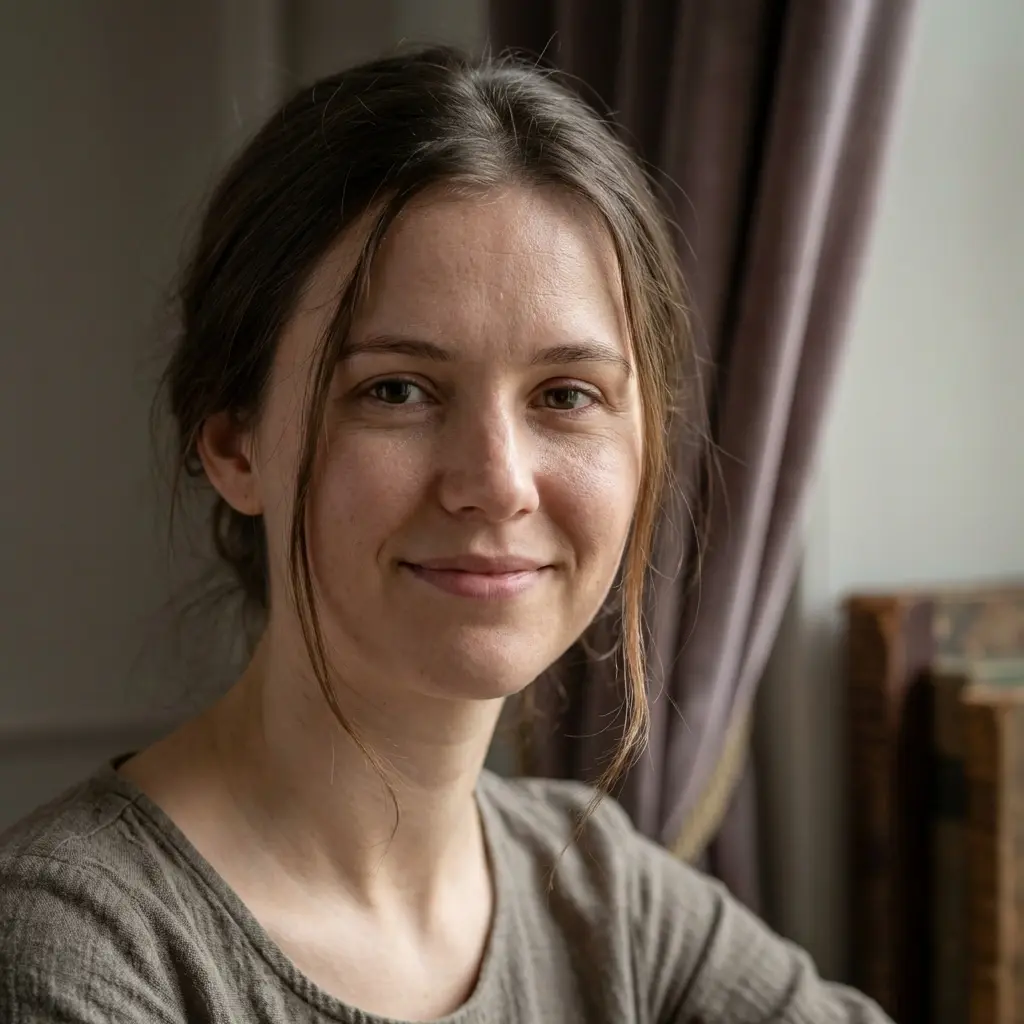
After
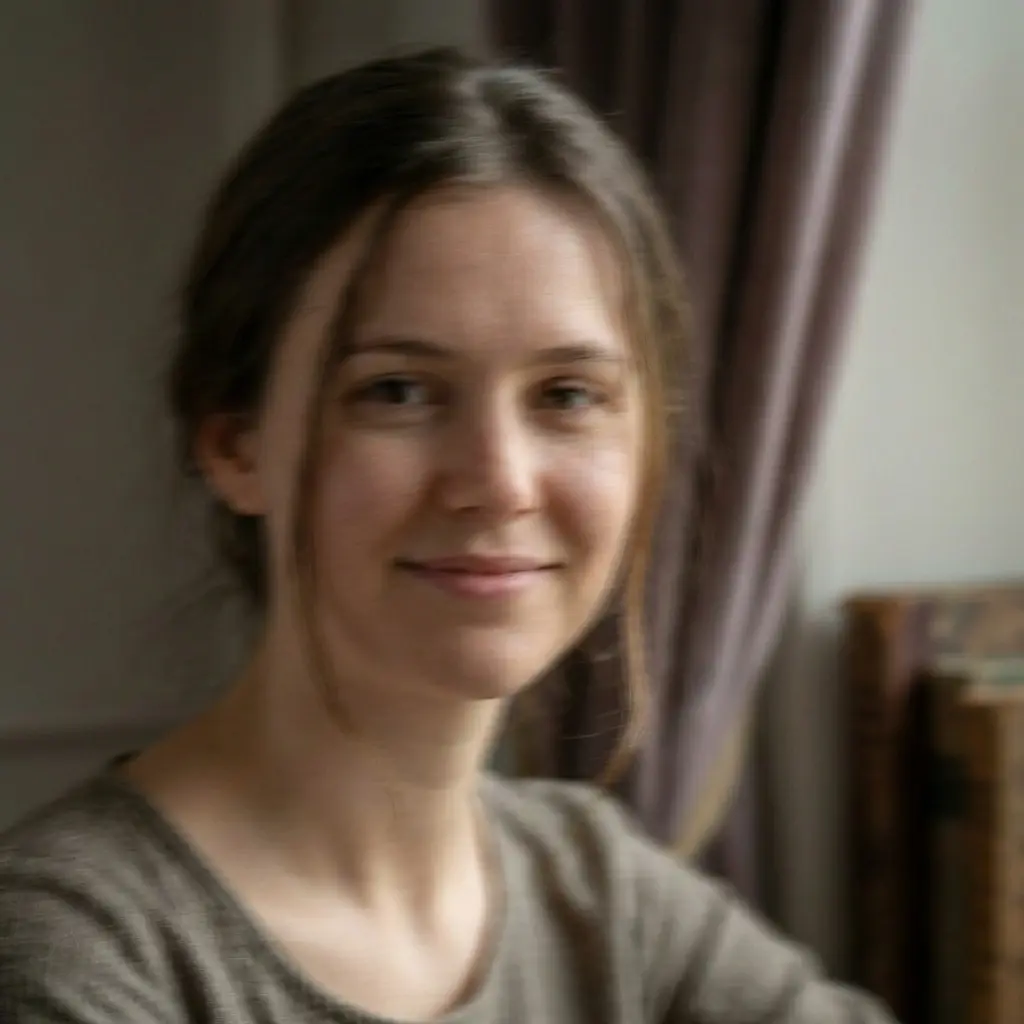
Before
Enlarge and enhance your images with AI technology while preserving quality and details
Click or drag image here
Supports JPEG, PNG, WebP (Max 10MB)


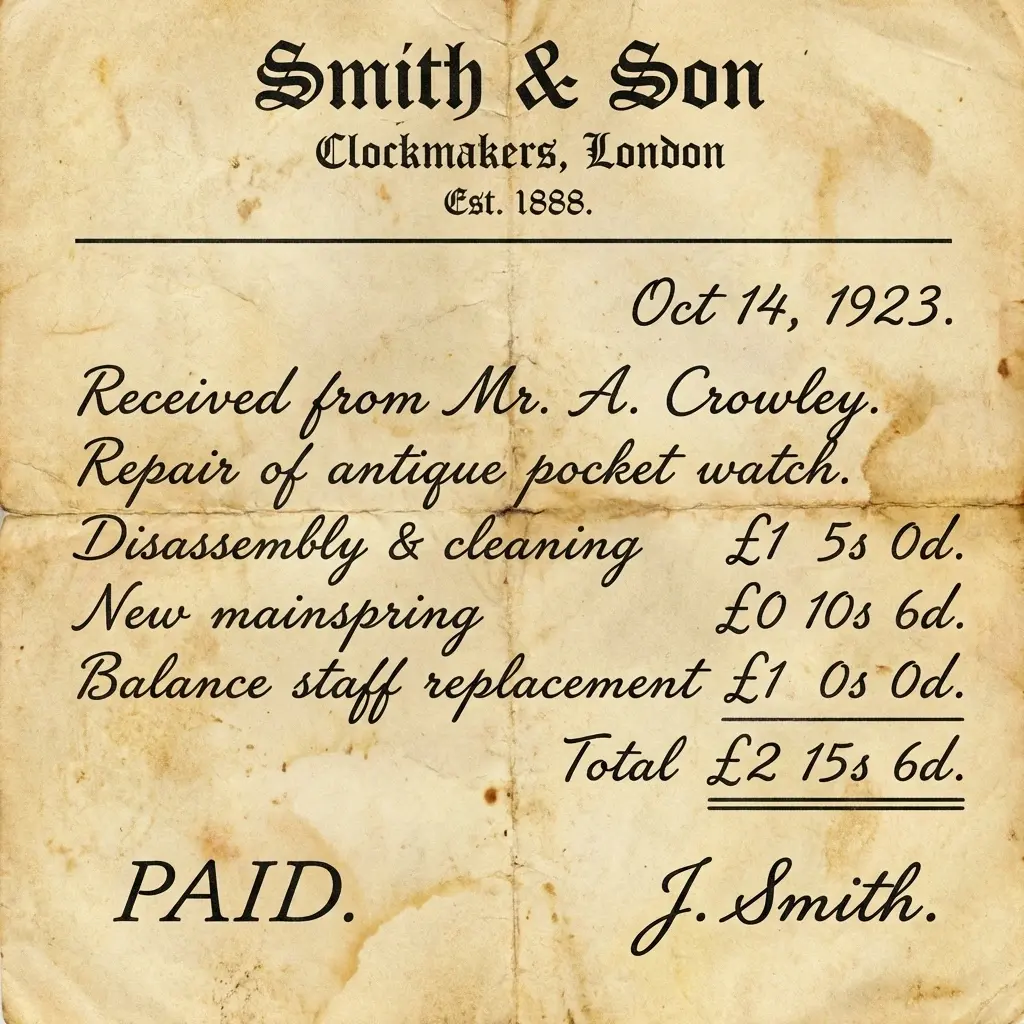
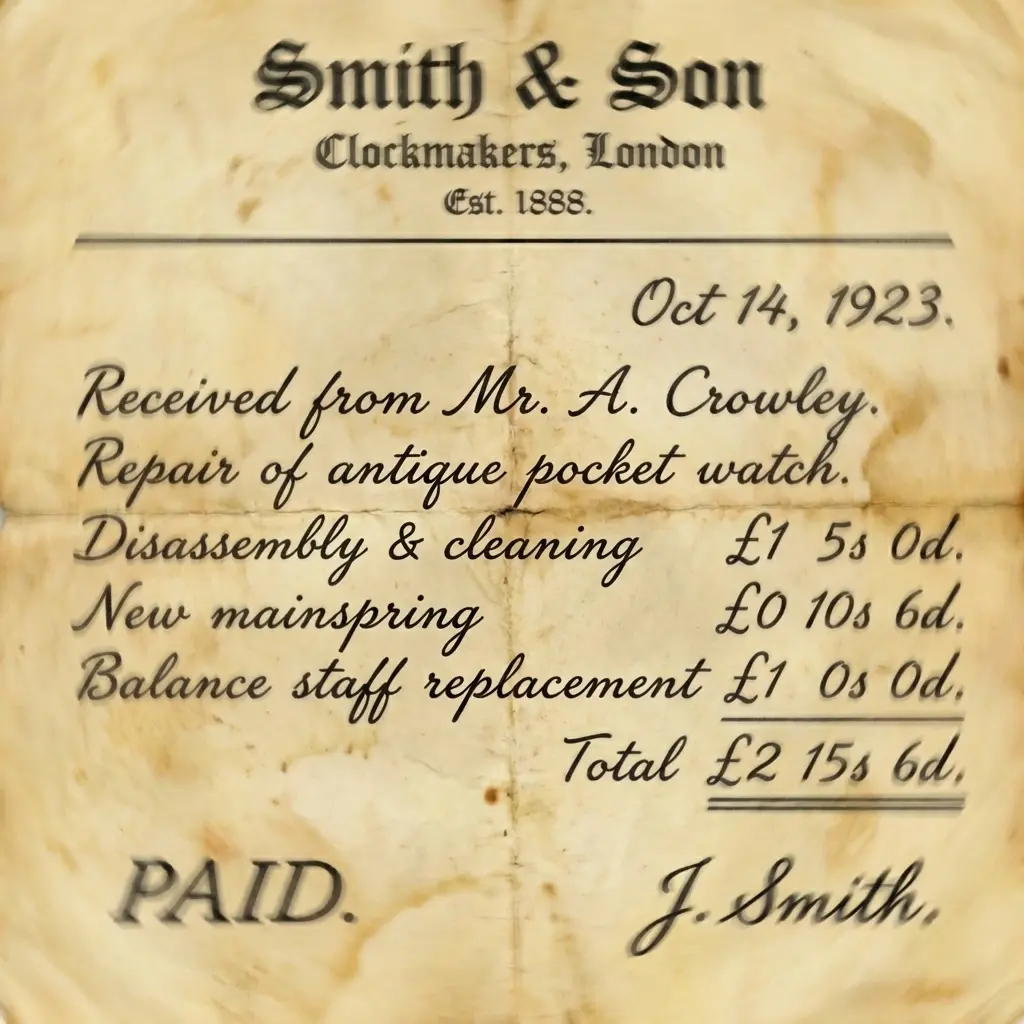
Free monthly credits, upgrade for more
Clean high-resolution output
Get upscaled images in seconds
Images deleted after processing
Use immediately without account
Our AI handles various low-resolution image issues
Small images that need to be enlarged for better viewing or printing without losing clarity.
Photos that show visible pixel blocks when zoomed in, common with over-compressed images.
Images with blocky artifacts, ringing edges, and lost details from aggressive compression.
Photos that need resolution enhancement for physical printing at larger sizes.
See how different users benefit from our AI image upscaler
Pain Point: Photos too small for quality prints
Solution: Upscale images 4x while enhancing details for stunning large format prints up to poster size
Pain Point: Small product photos look unprofessional
Solution: Enlarge product images while preserving details for crisp, professional-looking listings
Pain Point: Favorite photos too small for screens
Solution: Upscale any image to 4K or higher resolution for stunning high-DPI wallpapers
Pain Point: Vintage photos are low resolution
Solution: Combine upscaling with restoration to bring old photos into the modern high-res era
No technical skills required - enhance your images instantly
Drag and drop or click to select your low-resolution image. We support JPG, PNG, and WebP formats up to 10MB.
Our AI intelligently enlarges your image up to 4x while enhancing details and removing artifacts.
Get your upscaled high-resolution image instantly. Free download with no watermark in full quality.
Join millions who trust our AI image upscaler
“I needed to print old family photos as large canvas prints. This tool upscaled them beautifully - the detail enhancement is incredible! Can't believe it's free.”
Daniel Roberts
Photography Enthusiast
“As an e-commerce seller, I use this daily for product photos. The AI preserves all the product details while upscaling. My listings look so much more professional now!”
Amy Zhang
E-commerce Entrepreneur
“I create 4K wallpapers from vintage photography. This upscaler is amazing at restoring details that were lost in low-res scans. My favorite tool by far!”
Chris Martinez
Digital Artist
Enhance your upscaled images further with our other free AI tools