
Night Photo Denoising: Clean Up Dark Grainy Images
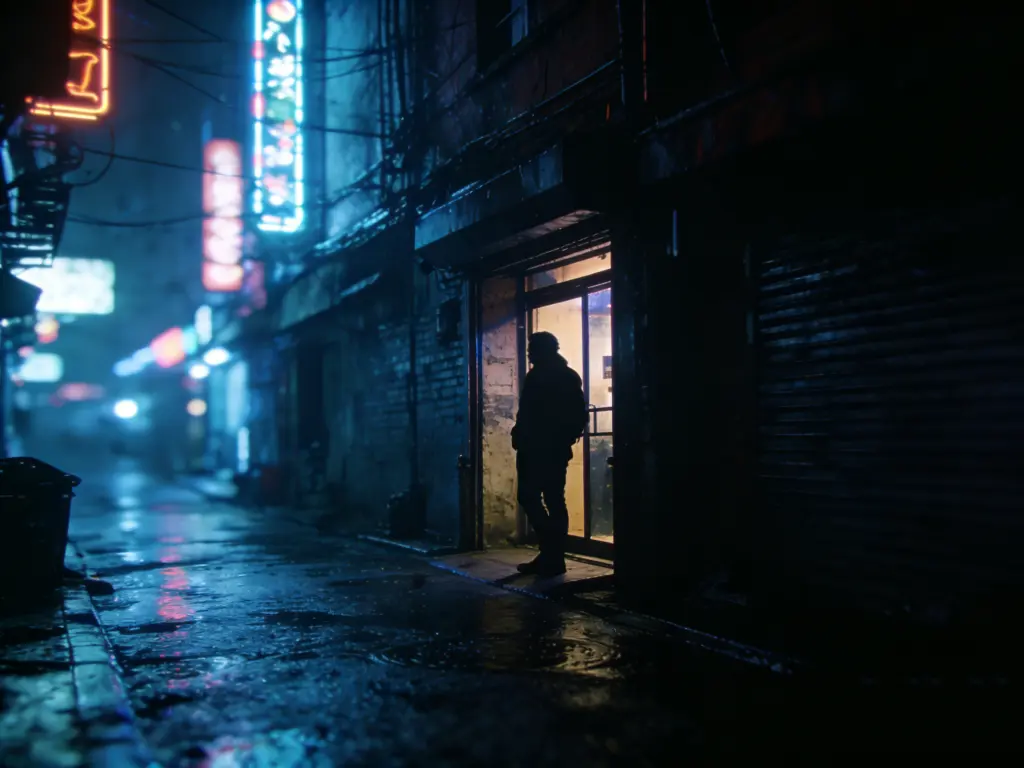
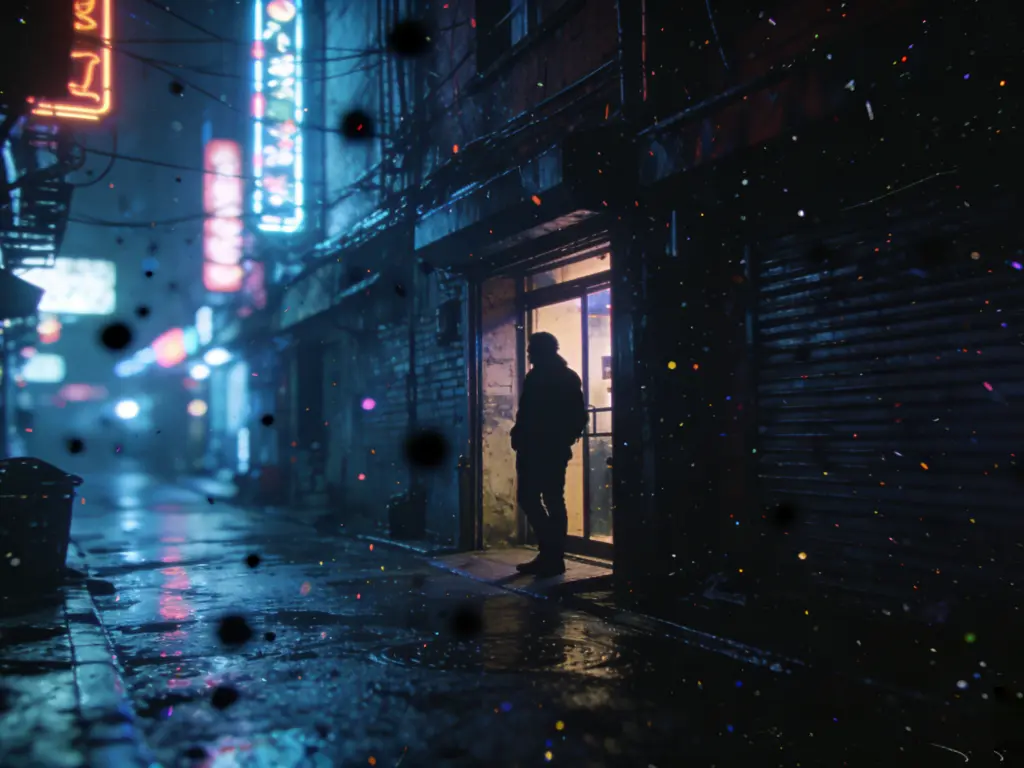
AI removes noise from high-ISO night shots while preserving stars and city lights
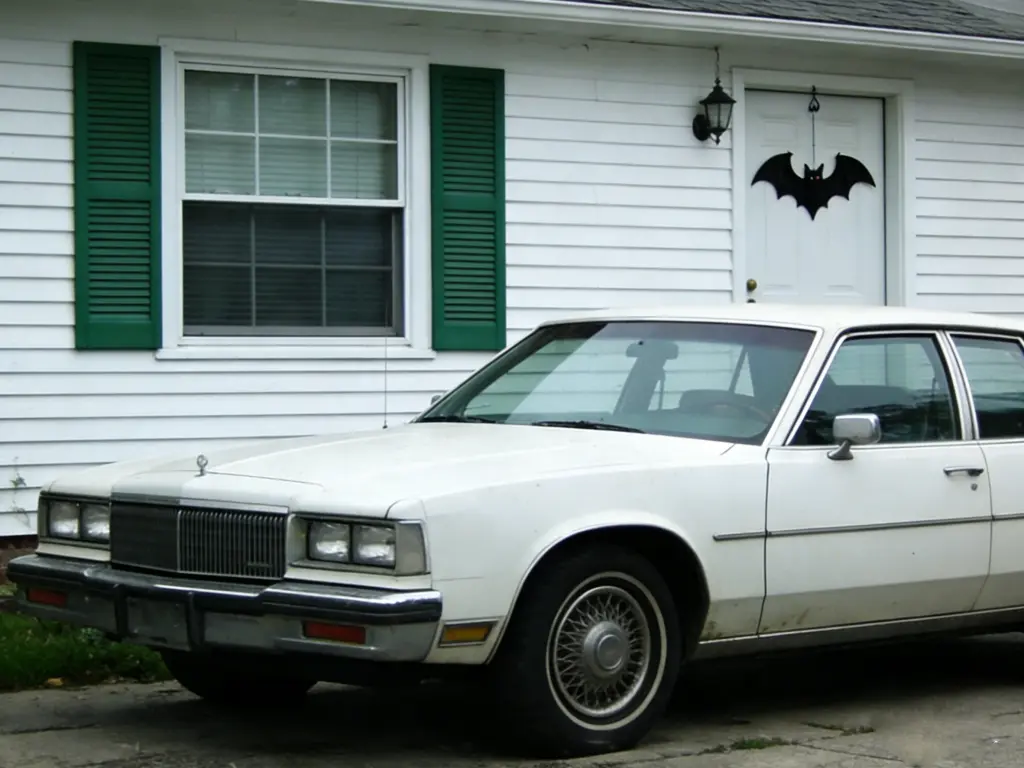
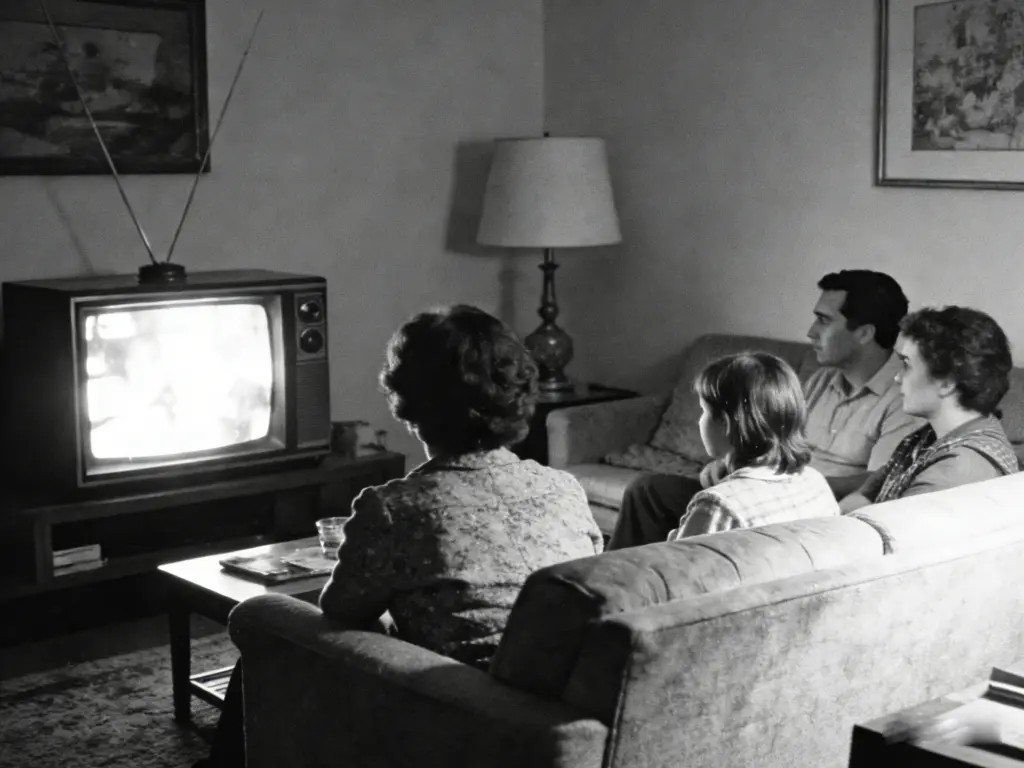
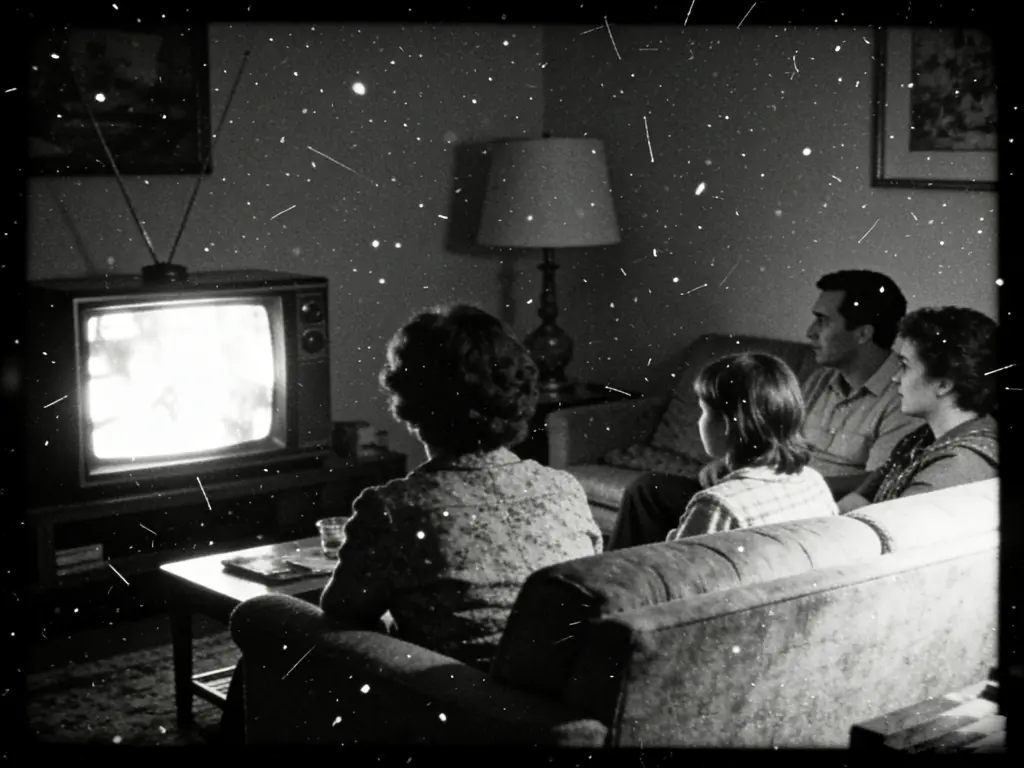
After
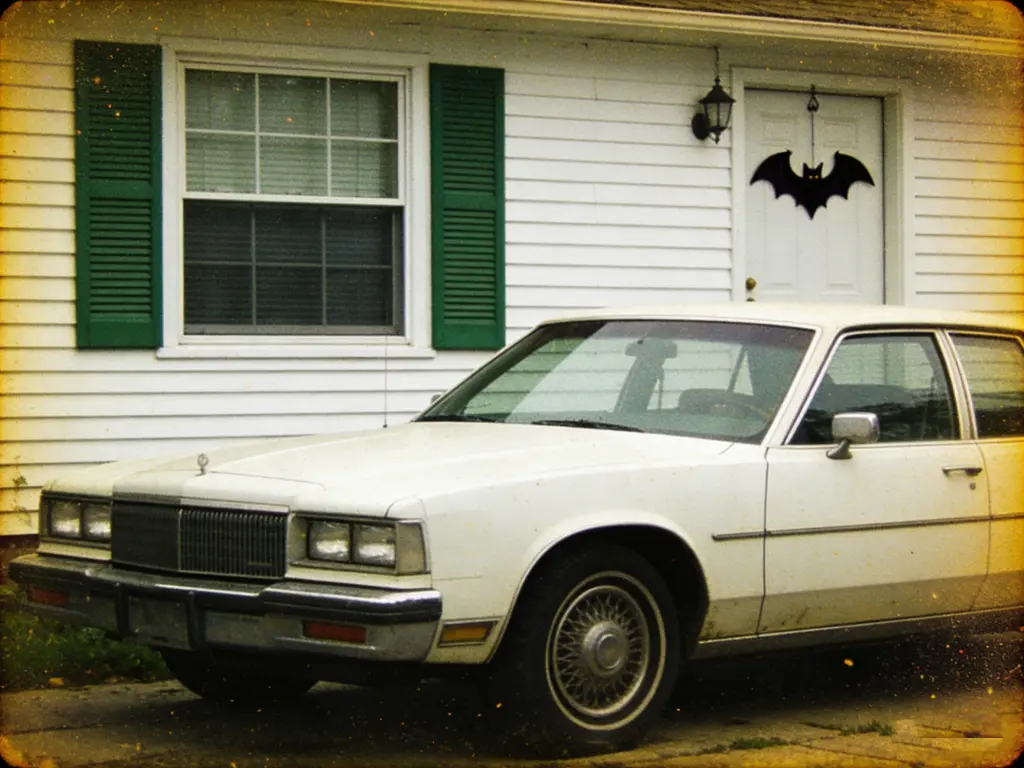
Before
Clean up noisy photos and remove grain while preserving image details with AI technology
Click or drag image here
Supports JPEG, PNG, WebP (Max 10MB)
Free monthly credits, upgrade for more
Clean output without any branding
Get clean photos in seconds
Images deleted after processing
Use immediately without account
Our AI handles various noise types from different sources
Grain and speckles from low-light photography and high camera sensitivity settings.
Random colored pixels and chromatic speckles that appear in shadow areas.
Monochrome grain patterns that reduce smoothness in gradients and solid colors.
Blocky patterns and mosquito noise from aggressive JPEG compression.
See how different users benefit from our AI denoise tool
Pain Point: High-ISO shots are too grainy
Solution: Remove noise while preserving stars and city lights for clean night photos
Pain Point: Skin looks rough and noisy
Solution: Smooth skin naturally while keeping pores and texture detail intact
Pain Point: Phone cameras produce noisy images
Solution: Clean up small-sensor noise while enhancing overall image quality
Pain Point: Grain ruins scenic beauty
Solution: Preserve fine details while removing noise from skies and foliage
No technical skills required - clean up your photos instantly
Drag and drop or click to select your noisy photo. We support JPG, PNG, and WebP formats up to 10MB.
Our AI analyzes the noise type and intelligently removes grain while preserving important details.
Get your denoised image instantly. Free download with no watermark or quality loss.
Join millions who trust our AI denoise tool for their photos
“My night photography has improved dramatically! This tool removes noise without making photos look artificial. Game changer for astrophotography!”
David Park
Photography Enthusiast
“I use this for all my client portrait work. It smooths skin beautifully while maintaining natural texture. My clients love the results!”
Lisa Chen
Portrait Photographer
“Finally fixed all those grainy phone photos from concerts and events. The AI is incredible at preserving details while removing noise.”
James Miller
Event Photographer
Enhance your images further with our other free AI tools